Clients are recorded in spreadsheets and managers' notebooks, invoices are issued by hand, tasks are discussed in long email threads, and the manager is the last to learn about a lost deal. Bitrix24 implementation solves this problem: Digital Structures sets up CRM, collaboration, marketing and HR management around your company's processes, connects the portal with 1C and your website, trains employees and supports the system after launch.
What Bitrix24 helps with
Bitrix24 brings together tools that are usually scattered across different services. We implement four main blocks.
CRM system
A single database of customers and deals: communication history, documents and agreements are kept in the customer card, not in managers' heads. Routine operations such as issuing invoices and sending emails can be automated so that employees spend their time on sales rather than repetitive actions.
Joint work on projects
Employees exchange files, discuss tasks in comments and receive notifications about events. Everything is in one place, without endless email threads and lost attachments. This is especially convenient if you work with contractors or run client projects: every task stays transparent and the team stays informed.
Marketing tools
Customer base segmentation, personalized offer mailings, social media advertising. Marketing works with the same database as the sales team, so offers reach the people who are actually interested.
HR management
Employee performance analysis, work with the company structure, working time control. The manager sees the team's workload and can reassign tasks in time.
What implementation includes
Buying a subscription and adding users is easy. The harder part is making the system reflect real processes so that employees actually use it. That is why implementation is more than setup:
- Process analysis. We study how sales, projects and document flow work, ask “why?” and propose how to move all this into Bitrix24.
- CRM setup. Sales pipelines, customer and deal cards, access rights, automation of invoices and emails.
- Data migration. We load the customer and deal database from spreadsheets or a previous system.
- Integrations. We connect the portal with 1C and other accounting systems, website request forms, email and analytics; requests from a chatbot in the MAX messenger can also go straight into the CRM.
- AI for CRM. If needed, we connect AI agents that help support handle customer requests.
- Staff training. We show managers and executives how to work in the system every day.
- Support. After launch we refine the portal for new tasks and help users.
Takeaway. Bitrix24 is useful only when it reflects the company's real processes. That is why implementation starts with understanding how you work, not with configuring fields.
How implementation goes
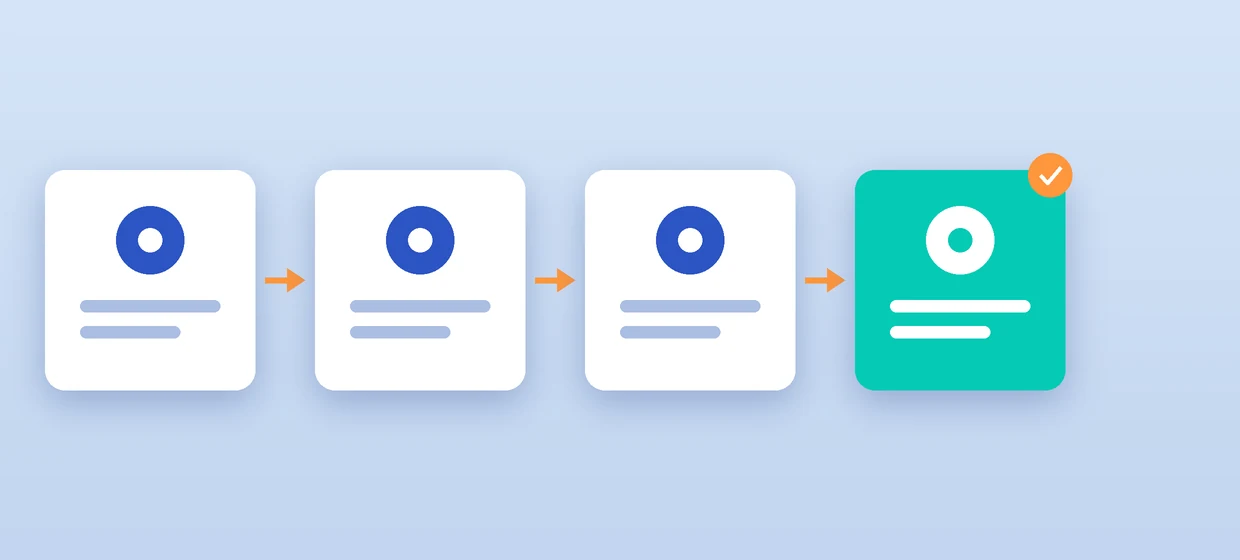
- Assessment. We study processes, employee roles and the systems the portal must be connected to.
- Configuration plan. We describe pipelines, reference lists, automations and integrations and agree them with you.
- Setup and integrations. We configure the modules and connect 1C, the website and other services.
- Data migration and testing. We load customers and deals and test scenarios on real examples.
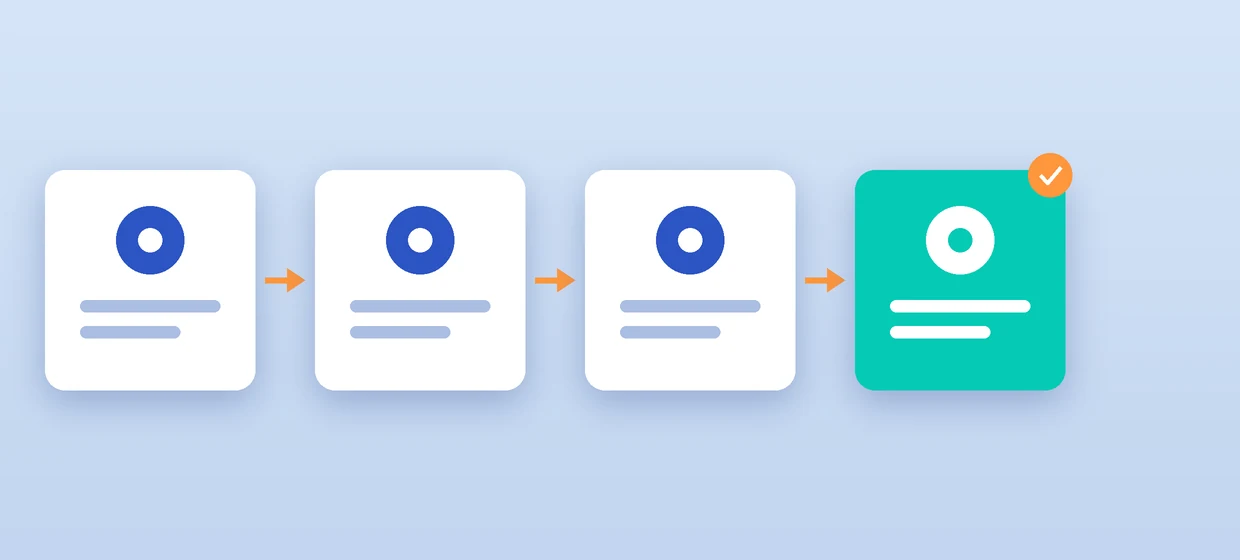
- Training and launch. We train employees and move work into Bitrix24.
- Support. We help users, refine the portal and develop the system together with the business.
Implementation can be done in stages: start with CRM for the sales team, then add projects, marketing and HR management. This way employees get used to the system faster and the first results appear sooner.
If you need ongoing support, Bitrix24 is part of our IT support subscription: a fixed monthly fee, with the response time set out in the contract.
How much implementation costs: what drives the price
There is no single price for Bitrix24 implementation: two projects with the same number of users can differ greatly in scope. The cost is made up of several factors:
- Set of modules. CRM only, or also collaboration, marketing and HR management.
- Process complexity. The number of sales pipelines, stages, roles and automatic actions.
- Integrations. Connections with 1C, the website, request forms, email, messengers and other systems.
- Data migration. The size and condition of the database: a tidy spreadsheet migrates faster than several unrelated sources.
- Training. How many employees and roles need training, and in what format.
- Post-launch support. One-off improvements or a support subscription with a fixed monthly fee.
The client buys the CRM license directly from Bitrix24 (or from amoCRM, if that is the chosen system) as a separate cost item; we help choose a plan that fits the number of users and the features you need. We estimate the cost of our work after the assessment, once the scope is clear, and suggest starting with the block that will deliver results fastest.
Frequently asked questions
How much does Bitrix24 implementation cost?
The cost depends on the set of modules, process complexity, integrations, data volume and the number of employees to train. We name it after the assessment, once the scope of work is clear.
How long does Bitrix24 implementation take?
The timeline depends on the number of modules and integrations. A staged approach lets you start with CRM for the sales team and add the other blocks gradually.
Can Bitrix24 be integrated with 1C?
Yes. We connect the portal with 1C and other accounting systems, the website and request forms so that data does not have to be transferred manually.
Who will support Bitrix24 after launch?
We will. You can order one-off improvements or subscribe to IT support with a fixed monthly fee and a response time set out in the contract.
How is implementation different from setting up Bitrix24 yourself?
When doing it yourself, companies usually just add users and a standard pipeline. With implementation, the system is configured around real processes, data is migrated, integrations are connected and employees are trained, so the system is actually used.
Let's discuss your Bitrix24 implementation
Tell us how your sales and teamwork are organized today: write to us on Telegram or at info@digitalstructures.pro, or call +7 (931) 2-555-777. We will suggest which block to start with and estimate the scope of work. All the ways to reach us are on the contacts page, and our other products are in all solutions.